
Adobe After Effects
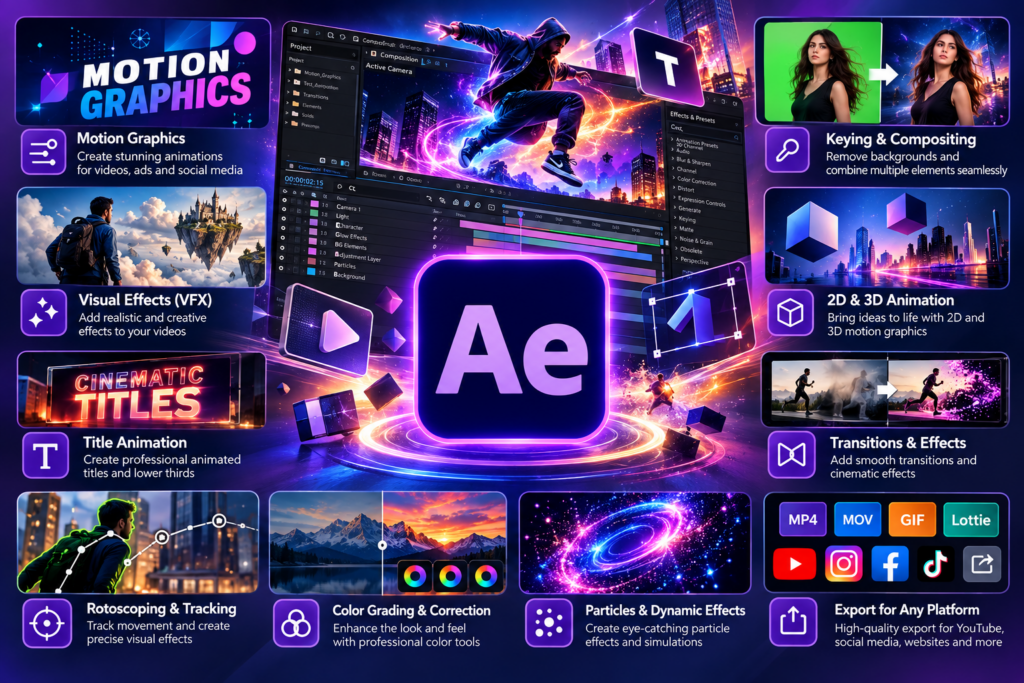
Learn motion graphics and visual effects using Adobe After Effects. Create animated text, logos, transitions, visual effects, and…

Learning goals
- Understand the After Effects interface and animation workflow
- Learn layers, keyframes and basic animation principles
- Create animated text and graphic elements
- Animate logos, shapes and illustrations
- Learn transitions and motion graphics techniques
- Understand masks, effects and compositing
- Create basic visual effects and creative animations
- Develop engaging social media motion graphics
- Learn how to combine graphics, video and animation
- Complete practical motion graphics projects
Skills you'll gain
After Effects Interface
Composition and Timeline
Layers and Keyframes
Text Animation
Shape Animation
Motion Graphics
Visual Effects
Masking
Green Screen
Motion Tracking
Compositing
Course description
Learn motion graphics and visual effects using Adobe After Effects. Create animated text, logos, transitions, visual effects, and engaging motion graphics while learning the basics of keyframes, layers, and compositing.
Requirements
- Basic computer knowledge is recommended
- A computer or laptop is required
- No previous Photoshop experience is required
- A stable internet connection is recommended for AI tools and online resources
Intended audience
- Beginners
- Graphic designers
- Students
- Video editors
- Content creators
- Social media professionals
- Freshers
- Job seekers
- Freelancers
Course curriculum
01 Module 1 - Introduction to After Effects
-
Lesson 1.1 - What is After Effects?
-
Lesson 1.2 - After Effects Interface
-
Lesson 1.3 - Creating a New Composition
02 Module 2 - Basic Animation
-
Lesson 2.1 - Understanding Layers
-
Lesson 2.2 - Transform Properties
-
Lesson 2.3 - Keyframe Animation
-
Lesson 2.4 - Easy Ease & Graph Editor
03 Module 3 - Text Animation
-
Lesson 3.1 - Creating & Formatting Text
-
Lesson 3.2 - Basic Text Animation
-
Lesson 3.3 - Text Animators
-
Lesson 3.4 - Creating a Title Animation
04 Module 4 - Shape Layers & Motion Graphics
-
Lesson 4.1 - Shape Layers
-
Lesson 4.2 - Shape Animation
-
Lesson 4.3 - Creating Motion Graphics
05 Module 5 - Masks & Visual Effects
-
Lesson 5.1 - Understanding Masks
-
Lesson 5.2 - Mask Animation
-
Lesson 5.3 - Basic Effects
06 Module 6 - Video & Image Animation
-
Lesson 6.1 - Importing Media
-
Lesson 6.2 - Animating Images
-
Lesson 6.3 - Working with Photoshop & Illustrator Files
07 Module 7 - Motion Tracking & Green Screen
-
Lesson 7.1 - Motion Tracking
-
Lesson 7.2 - Text & Graphics Tracking
-
Lesson 7.3 - Green Screen
08 Module 8 - Professional Motion Graphics Projects
-
Lesson 8.1 - Logo Animation
-
Lesson 8.2 - Social Media Motion Graphic
-
Lesson 8.3 - Promotional Video
-
Lesson 8.4 - YouTube Intro

Rating
9
Reviews
1
Students
6
Courses
Frequently asked questions
What will I learn in the Adobe After Effects course?
You will learn Adobe After Effects from beginner to advanced level, including motion graphics, animation, visual effects, keyframes, text animation, masking, compositing, transitions, effects, and professional video animation techniques.
Is the After Effects course suitable for beginners?
Yes. This Adobe After Effects course is suitable for beginners with little or no prior experience. You will learn step by step, starting with the After Effects interface and basic animation tools before progressing to advanced motion graphics and visual effects.
What can I create using Adobe After Effects?
With After Effects, you can create motion graphics, animated titles, logo animations, promotional videos, social media animations, visual effects, text animations, transitions, and cinematic effects for digital media, advertising, YouTube, and video production.
Can I build a career after learning After Effects?
Yes. After Effects skills can help you explore careers as a Motion Graphics Designer, VFX Artist, 2D Animator, Video Editor, Visual Effects Designer, or Freelance Motion Designer. Combining After Effects with a strong portfolio can open opportunities in advertising, media, film, digital marketing, and content creation.
Why choose After Effects training at IWT Learning Hub?
IWT Learning Hub offers practical Adobe After Effects training focused on industry-relevant motion graphics and visual effects skills. Through structured lessons, hands-on practice, and creative projects, you can build confidence and develop the skills needed to create professional animations and visual content.
Keep learning
Related Courses.

New
Expert
2 Month Graphic Design Course – Photoshop, Illustrator & Lightroom
Original price was: ₹12,000.00.₹1,500.00Current price is: ₹1,500.00.
New
Expert
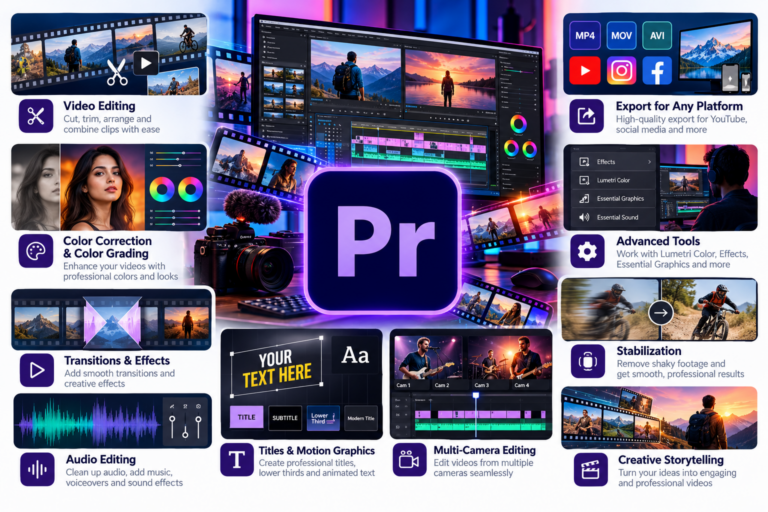
Adobe Premier Pro
Original price was: ₹5,000.00.₹699.00Current price is: ₹699.00.

New
Expert
Adobe Lightroom
Original price was: ₹5,000.00.₹699.00Current price is: ₹699.00.
New
Expert
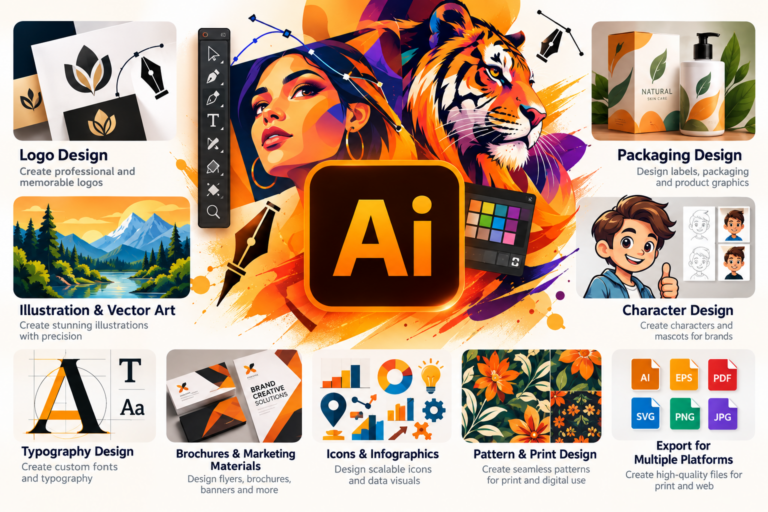
Adobe Illustrator
Original price was: ₹5,000.00.₹699.00Current price is: ₹699.00.
New
Expert
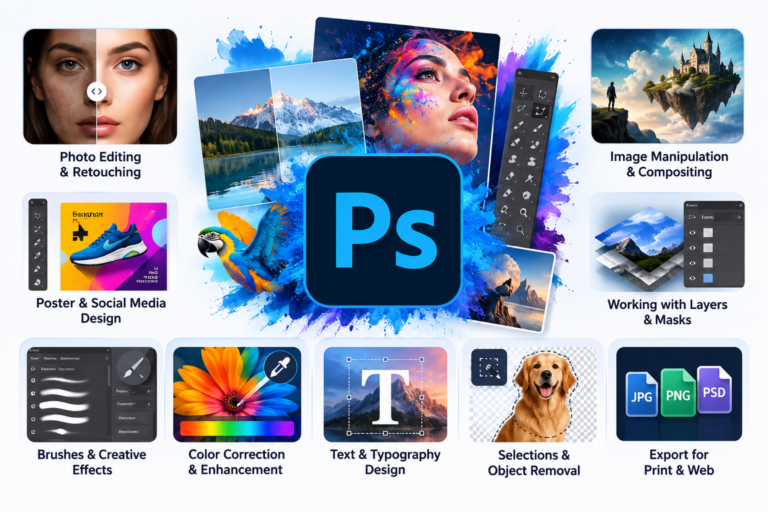
Adobe Photoshop
Original price was: ₹5,000.00.₹699.00Current price is: ₹699.00.