
Adobe Lightroom
Learn professional photo editing and enhancement with Adobe Lightroom. Work with exposure, colors, contrast, presets, cropping, retouching, and…

Learning goals
- Understand the Adobe Lightroom interface and workflow
- Learn photo organization and catalog management
- Adjust exposure, contrast, highlights and shadows
- Perform professional color correction and color grading
- Use presets for faster photo editing
- Learn cropping, composition and image enhancement
- Perform portrait and landscape photo adjustments
- Apply professional editing techniques for digital photography
- Export and optimize photos for web and social media
- Complete practical photo editing projects
Skills you'll gain
Lightroom Interface
Photo Import and Organization
Exposure Adjustment
Color Correction
White Balance
Cropping and Composition
Photo Retouching
Presets
Color Grading
Photo Enhancement
Course description
Learn professional photo editing and enhancement with Adobe Lightroom. Work with exposure, colors, contrast, presets, cropping, retouching, and color grading to create polished and professional-looking photographs.
Requirements
- Basic computer knowledge is recommended
- A computer or laptop is required
- No previous Photoshop experience is required
- A stable internet connection is recommended for AI tools and online resources
Intended audience
- Beginners
- Students
- Photographers
- Content creators
- Social media professionals
- Freelancers
- Anyone interested in professional image enhancement
Course curriculum
01 Module 1 - Introduction to Lightroom
-
Lesson 1.1 - What is Adobe Lightroom?
-
Lesson 1.2 - Lightroom Interface
-
Lesson 1.3 - Creating a Lightroom Project
02 Module 2 - Basic Photo Editing
-
Lesson 2.1 - Understanding Exposure
-
Lesson 2.2 - White Balance & Color
-
Lesson 2.3 - Cropping & Composition
-
Lesson 2.4 - Presets
03 Module 3 - Professional Color Editing
-
Lesson 3.1 - Tone Curve
-
Lesson 3.2 - HSL / Color Mixer
-
Lesson 3.3 - Color Grading
04 Module 4 - Portrait & Photo Retouching
-
Lesson 4.1 - Portrait Enhancement
-
Lesson 4.2 - Masking
-
Lesson 4.3 - Local Adjustments
05 Module 5 - Creative & Professional Editing
-
Lesson 5.1 - Landscape Photo Editing
-
Lesson 5.2 - Product & Commercial Photo Editing
-
Lesson 5.3 - Black & White Photography
-
Lesson 5.4 - Creative Photo Styles
06 Module 6 - Workflow & Export
-
Lesson 6.1 - Batch Editing
-
Lesson 6.2 - Organizing & Managing Photos
-
Lesson 6.3 - Export Settings

Rating
9
Reviews
1
Students
6
Courses
Frequently asked questions
What will I learn in the Adobe Lightroom course?
You will learn Adobe Lightroom from the basics to professional photo editing, including photo import and organization, ratings and flags, cropping, exposure, color correction, presets, masking, retouching, and advanced photo enhancement techniques.
Is the Lightroom course suitable for beginners?
Yes. The Lightroom course is designed for beginners with little or no prior photo editing experience. You will learn step by step, from managing and organizing photos to creating professional-looking images using Lightroom's powerful editing tools.
What can I use Adobe Lightroom for?
Adobe Lightroom is ideal for professional photo editing, color correction, photo organization, portrait enhancement, wedding photography, travel photography, and social media content creation. It helps photographers efficiently manage and enhance large collections of images.
Can I use Lightroom for professional photography?
Yes. Lightroom is widely used by photographers and creative professionals to organize, edit, enhance, and manage photos efficiently. Learning Lightroom can help you develop professional photo editing skills for areas such as portrait, wedding, product, travel, and commercial photography.
Why choose Lightroom training at IWT Learning Hub?
IWT Learning Hub provides practical Lightroom training focused on real-world photo editing and workflow techniques. You can learn photo organization, professional color grading, image enhancement, and efficient editing workflows through structured lessons and hands-on practice.

Keep learning
Related Courses.

New
Expert
2 Month Graphic Design Course – Photoshop, Illustrator & Lightroom
Original price was: ₹12,000.00.₹1,500.00Current price is: ₹1,500.00.
New
Expert
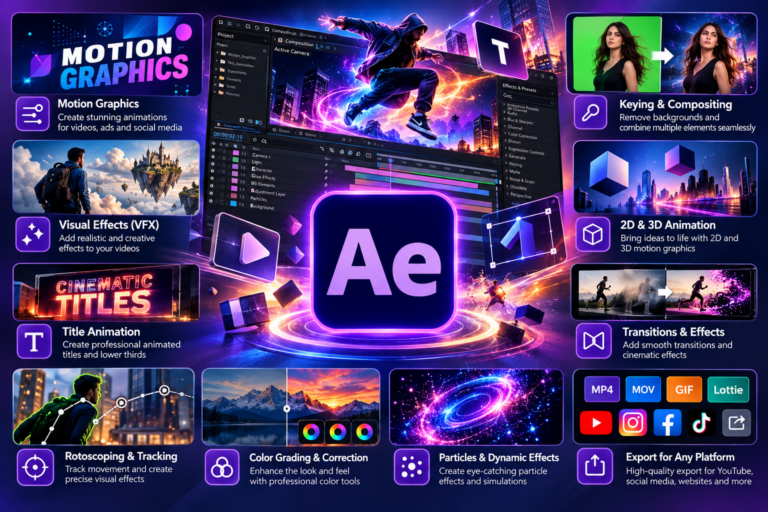
Adobe After Effects
Original price was: ₹5,000.00.₹699.00Current price is: ₹699.00.
New
Expert
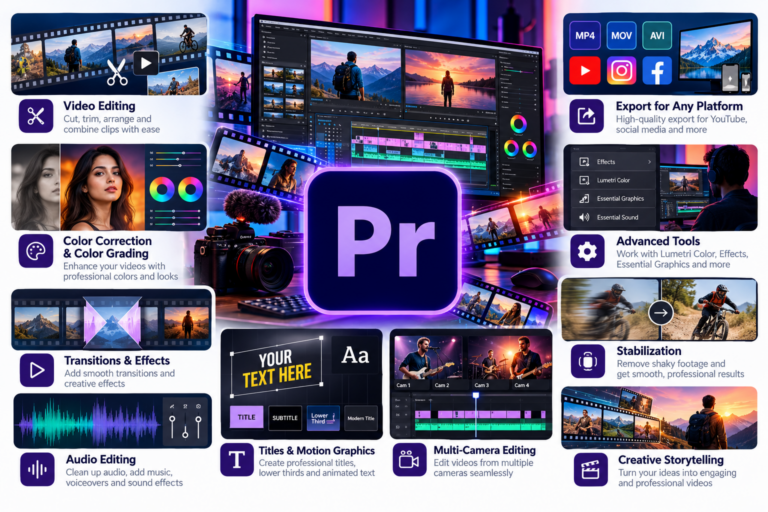
Adobe Premier Pro
Original price was: ₹5,000.00.₹699.00Current price is: ₹699.00.

New
Expert
Adobe Illustrator
Original price was: ₹5,000.00.₹699.00Current price is: ₹699.00.
New
Expert
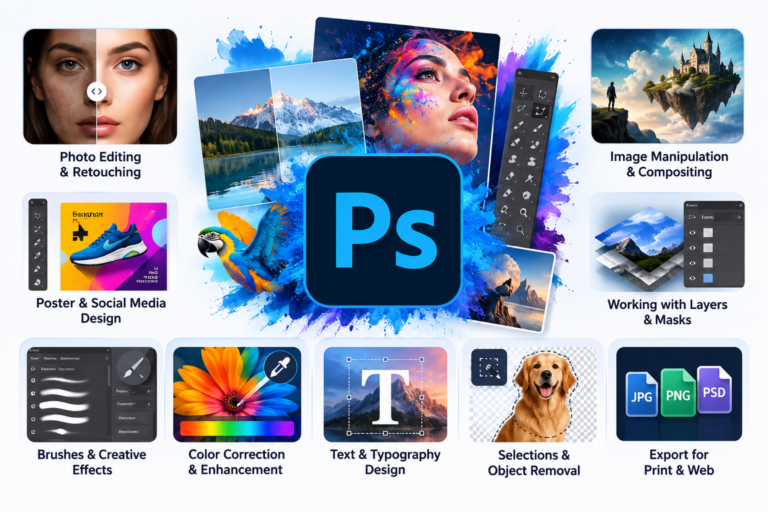
Adobe Photoshop
Original price was: ₹5,000.00.₹699.00Current price is: ₹699.00.