
Adobe Illustrator
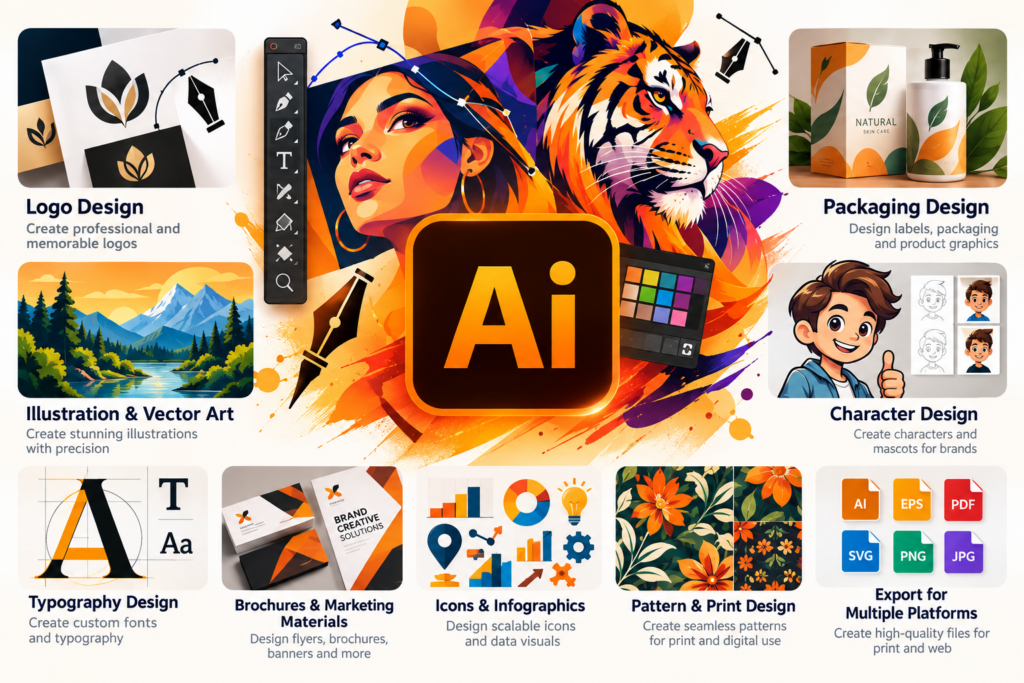
Learn professional vector graphic design using Adobe Illustrator. Create logos, icons, illustrations, typography, branding materials, and scalable graphics…

Learning goals
- Learn the fundamentals of vector graphic design
- Understand the Adobe Illustrator interface and essential tools
- Create logos, icons, illustrations and branding designs
- Work with shapes, paths, colors, gradients and the Pen Tool
- Learn typography and creative text design
- Create professional vector artwork for print and digital use
- Design social media creatives and promotional graphics
- Complete practical Illustrator projects and build a design portfolio
Skills you'll gain
Illustrator Interface
Vector Graphics
Shapes and Paths
Pen Tool
Logo Design
Icon Design
Typography
Color and Gradients
Illustration Techniques
Branding Design
Course description
Learn professional vector graphic design using Adobe Illustrator. Create logos, icons, illustrations, typography, branding materials, and scalable graphics using shapes, paths, colors, and creative design techniques.
Requirements
- Basic computer knowledge is recommended
- A computer or laptop is required
- No previous Photoshop experience is required
- A stable internet connection is recommended for AI tools and online resources
Intended audience
- Beginners
- Students
- Freshers
- Job seekers
- Freelancers
- Graphic designers
- Anyone interested in creating professional vector graphics
Course curriculum
01 Module 1 - Introduction to Illustrator
-
Lesson 1.1 - What is Adobe Illustrator?
-
Lesson 1.2 - Illustrator Interface & Workspace
-
Lesson 1.3 - Creating & Saving Documents
02 Module 2 - Shapes & Drawing
-
Lesson 2.1 - Basic Shapes
-
Lesson 2.2 - Selection & Transformation
-
Lesson 2.3 - Pen Tool
-
Lesson 2.4 - Shape Builder & Pathfinder
03 Module 3 - Color, Stroke & Appearance
-
Lesson 3.1 - Fill & Stroke
-
Lesson 3.2 - Colors & Gradients
-
Lesson 3.3 - Appearance & Effects
04 Module 4 - Typography & Text
-
Lesson 4.1 - Working with Text
-
Lesson 4.2 - Typography Design
-
Lesson 4.3 - Text Effects
05 Module 5 - Logo Design
-
Lesson 5.1 - Introduction to Logo Design
-
Lesson 5.2 - Creating a Logo in Illustrator
-
Lesson 5.3 - Logo Variations & Export
06 Module 6 - Professional Design Projects
-
Lesson 6.1 - Social Media Creative
-
Lesson 6.2 - Business Card Design
-
Lesson 6.3 - Poster Design
-
Lesson 6.4 - Packaging/Product Design
-
Lesson 6.5 - Vector Illustration
07 Module 7 - Advanced & Professional Workflow
-
Lesson 7.1 - Layers & Organization
-
Lesson 7.2 - Images & Clipping Masks
-
Lesson 7.3 - Artboards & Multiple Designs
-
Lesson 7.4 - Exporting for Web & Print

Rating
9
Reviews
1
Students
6
Courses
Frequently asked questions
What will I learn in the Adobe Illustrator course?
You will learn Adobe Illustrator from the basics to professional-level techniques, including vector graphics, shapes, the Pen Tool, typography, colors, gradients, logo design, illustrations, and professional layout techniques. The course focuses on practical skills used in real-world graphic design.
Is the Illustrator course suitable for beginners?
Yes. This Adobe Illustrator course is suitable for beginners with little or no previous design experience. You will learn step by step, starting with the Illustrator interface and essential tools before progressing to advanced vector design and creative projects.
What can I create using Adobe Illustrator?
With Illustrator, you can create professional logos, icons, illustrations, business cards, brochures, posters, social media graphics, packaging designs, and other vector-based artwork. Illustrator is especially useful when creating designs that need to remain sharp at any size.
Why should I learn Adobe Illustrator for a graphic design career?
Adobe Illustrator is an important tool for professional graphic designers, logo designers, illustrators, branding specialists, and creative professionals. Learning Illustrator can help you develop strong vector design skills and create professional-quality artwork for both print and digital media.
Why choose Adobe Illustrator training at IWT Learning Hub?
IWT Learning Hub offers practical Adobe Illustrator training focused on real-world design skills. Through guided learning and hands-on projects, you can develop your creativity, improve your vector design techniques, and build confidence for graphic design and freelance opportunities.
Keep learning
Related Courses.
New
Expert
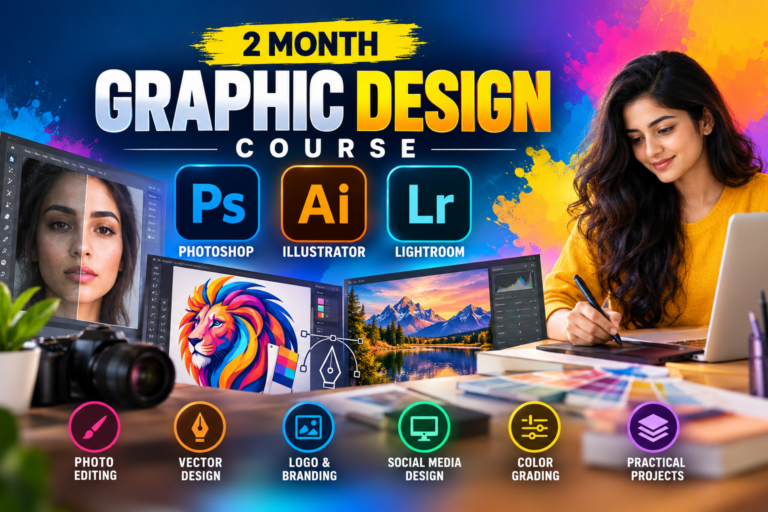
2 Month Graphic Design Course – Photoshop, Illustrator & Lightroom
Original price was: ₹12,000.00.₹1,500.00Current price is: ₹1,500.00.
New
Expert
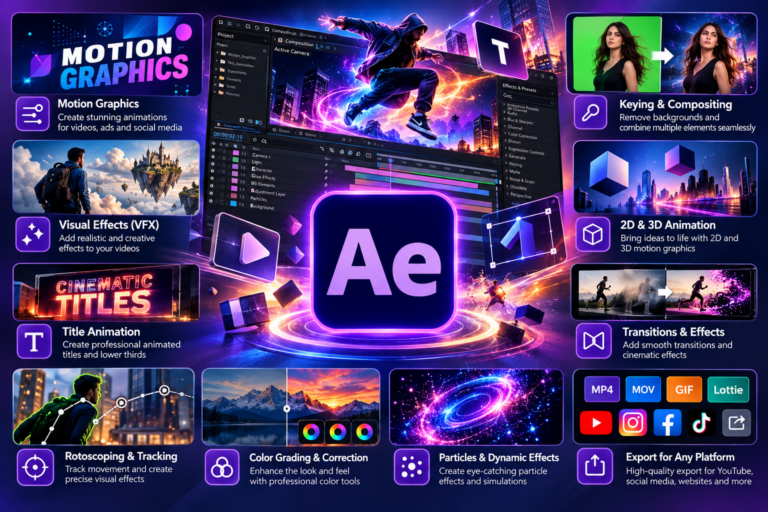
Adobe After Effects
Original price was: ₹5,000.00.₹699.00Current price is: ₹699.00.
New
Expert
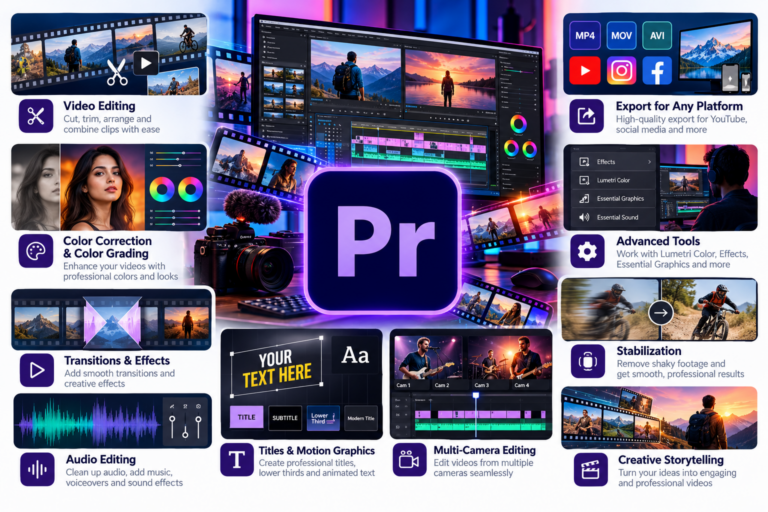
Adobe Premier Pro
Original price was: ₹5,000.00.₹699.00Current price is: ₹699.00.
New
Expert
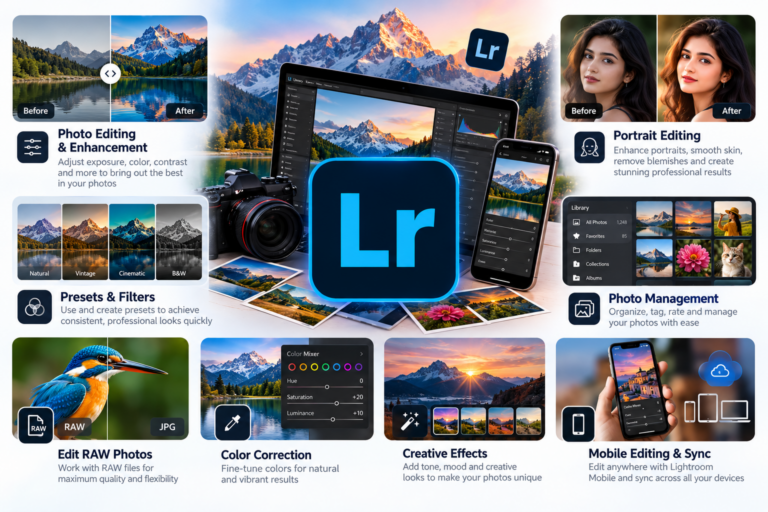
Adobe Lightroom
Original price was: ₹5,000.00.₹699.00Current price is: ₹699.00.
New
Expert
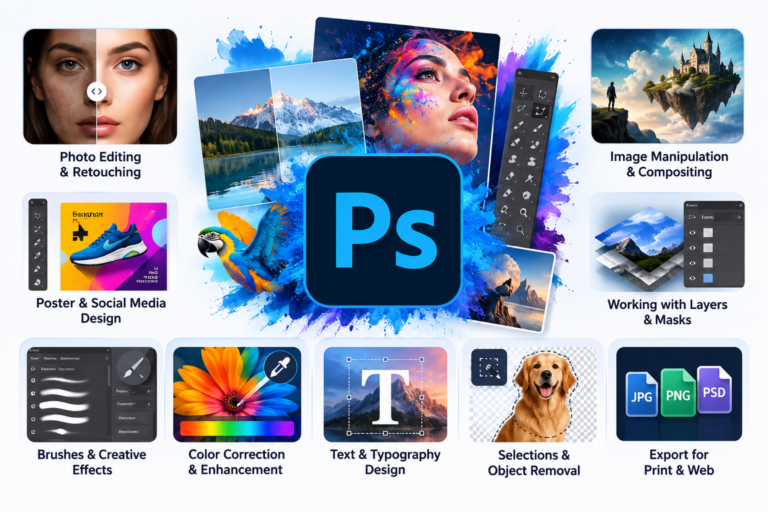
Adobe Photoshop
Original price was: ₹5,000.00.₹699.00Current price is: ₹699.00.