
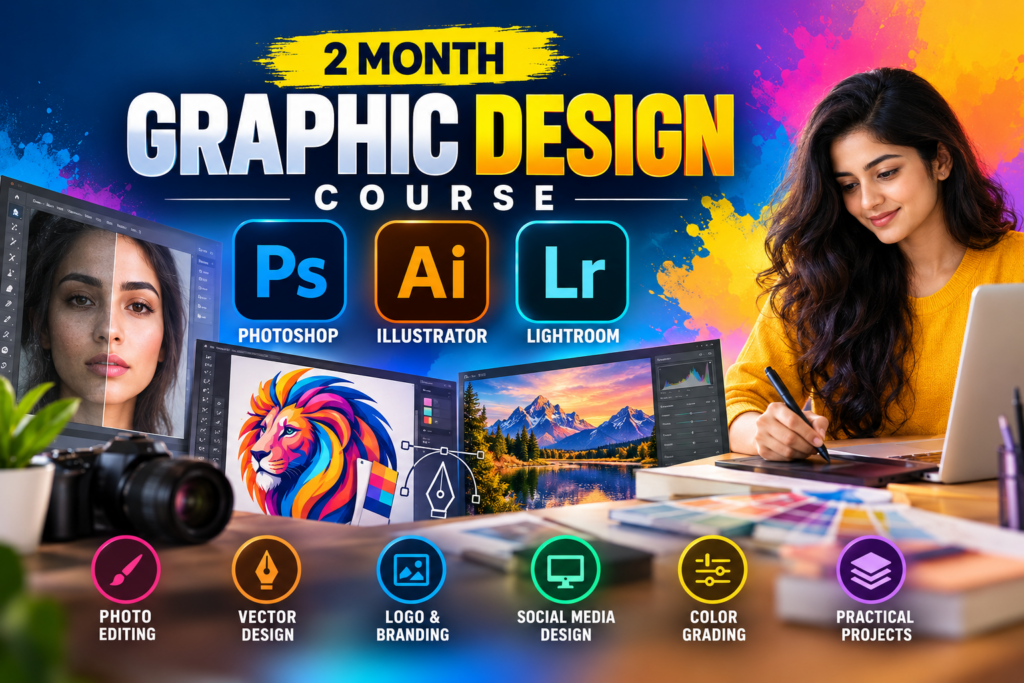
2 Month Graphic Design Course – Photoshop, Illustrator & Lightroom
Learn professional graphic design skills in just 2 months with practical, project-based training in Adobe Photoshop, Adobe Illustrator,…

Learning goals
- Understand the fundamentals of graphic design
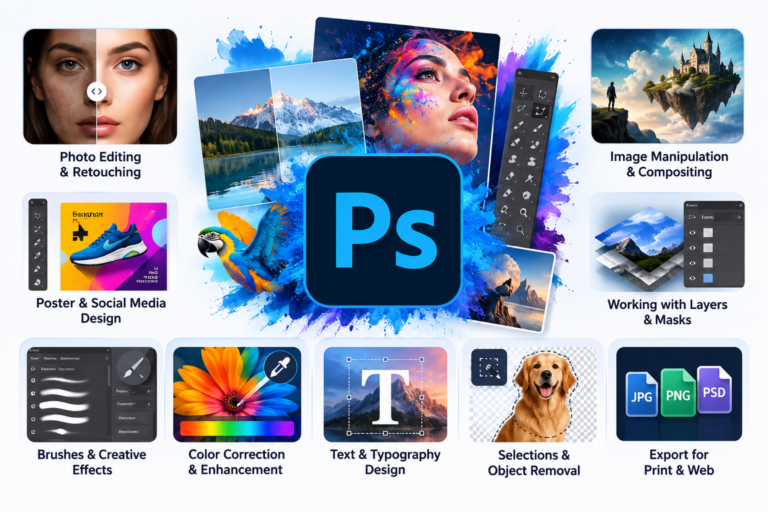
- Learn Adobe Photoshop from beginner to practical level
- Create professional photo edits and compositions
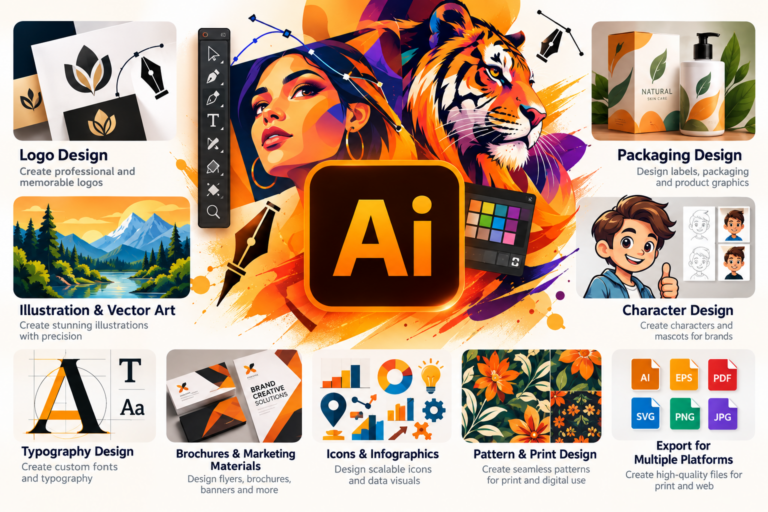
- Learn Adobe Illustrator for vector graphics and logo design
- Create typography, icons, illustrations and branding materials
- Learn Adobe Lightroom for professional photo editing
- Perform color correction and creative color grading
- Design social media and promotional graphics
- Work with layers, masks, selections and effects
- Build practical graphic design projects for your portfolio
- Develop an efficient professional design workflow
Skills you'll gain
Graphic Design Fundamentals
Adobe Photoshop
Adobe Illustrator
Adobe Lightroom
Photo Editing
Image Retouching
Digital Design
Logo & Brand Design
Typography
Color Correction
Photo Color Grading
Social Media Design
Creative Composition
Professional Design Workflow
Course description
Learn professional graphic design skills in just 2 months with practical, project-based training in Adobe Photoshop, Adobe Illustrator, and Adobe Lightroom. This course is designed for beginners and aspiring designers who want to build a strong foundation in graphic design, photo editing, digital artwork, branding, and image enhancement.
You will learn step-by-step through practical lessons and real-world design projects, helping you develop the confidence and skills needed to create professional-quality designs.
Requirements
- A computer or laptop required
- Basic computer knowledge is recommended
- Internet connection for accessing recorded/live learning resources
- No prior graphic design experience is required
Intended audience
- Beginners
- Students
- Aspiring graphic designers
- Social media content creators
- Photographers
- Freelancers
- Small business owners
- Anyone interested in Photoshop, Illustrator and Lightroom
Course curriculum
01 Graphic Design Fundamentals
-
Introduction to Graphic Design
02 Introduction to Photoshop
-
What is Photoshop?
-
Photoshop Interface
-
Creating a New Document
-
Saving & Exporting
03 Photoshop Tools & Basics
-
Move, Crop & Transform
-
Selection Tools
-
Brush & Eraser Tools
-
Shapes & Text
04 Layers & Masking
-
Understanding Layers
-
Layer Styles
-
Layer Masks
-
Blending Modes
05 Photo Editing
-
Basic Photo Correction
-
Color Correction
-
Adjustment Layers
-
Photo Retouching
06 Background & Image Manipulation
-
Background Removal
-
Changing Backgrounds
-
Photo Manipulation
07 Graphic Design with Photoshop
-
Poster Design
-
Social Media Design
-
YouTube Thumbnail
-
Advertisement Design
-
Mockup Presentation
08 Advanced & Professional Workflow
-
Smart Objects
-
Advanced Masking
-
Professional File Organization
-
Print & Digital Export
09 Introduction to Illustrator
-
What is Adobe Illustrator?
-
Illustrator Interface & Workspace
-
Creating & Saving Documents
10 Shapes & Drawing
-
Basic Shapes
-
Selection & Transformation
-
Pen Tool
-
Shape Builder & Pathfinder
11 Color, Stroke & Appearance
-
Fill & Stroke
-
Colors & Gradients
-
Appearance & Effects
12 Typography & Text
-
Working with Text
-
Typography Design
-
Text Effects
13 Logo Design
-
Introduction to Logo Design
-
Creating a Logo in Illustrator
-
Logo Variations & Export
14 Professional Design Projects
-
Social Media Creative
-
Business Card Design
-
Poster Design
-
Packaging/Product Design
-
Vector Illustration
15 Advanced & Professional Workflow
-
Layers & Organization
-
Images & Clipping Masks
-
Artboards & Multiple Designs
-
Exporting for Web & Print
16 Introduction to Lightroom
-
What is Adobe Lightroom?
-
Lightroom Interface
-
Creating a Lightroom Project
17 Basic Photo Editing
-
Understanding Exposure
-
White Balance & Color
-
Cropping & Composition
-
Presets
18 Professional Color Editing
-
Tone Curve
-
HSL / Color Mixer
-
Color Grading
19 Portrait & Photo Retouching
-
Portrait Enhancement
-
Masking
-
Local Adjustments
20 Creative & Professional Editing
-
Landscape Photo Editing
-
Product & Commercial Photo Editing
-
Black & White Photography
-
Creative Photo Styles
21 Workflow & Export
-
Batch Editing
-
Organizing & Managing Photos
-
Export Settings

Rating
9
Reviews
1
Students
6
Courses
Frequently asked questions
What will I learn in the 2 Month Graphic Design Course?
You will learn the essential skills of graphic design using Adobe Photoshop, Adobe Illustrator, and Adobe Lightroom. The course covers photo editing, image manipulation, vector design, logo design, typography, color correction, creative compositions, and professional design techniques through practical learning.
Is the 2 Month Graphic Design Course suitable for beginners?
Yes. This 2 Month Graphic Design Course is designed for beginners with little or no prior design experience. You will learn Photoshop, Illustrator, and Lightroom step by step, starting with the fundamentals and progressing toward practical, professional design work.
Why learn Photoshop, Illustrator, and Lightroom together?
Each software serves a different purpose in professional graphic design. Photoshop is ideal for photo editing and creative designs, Illustrator is powerful for vector graphics, logos, and illustrations, while Lightroom is useful for professional photo organization and color enhancement. Learning all three gives you a versatile graphic design skill set.
What career opportunities are available after completing this Graphic Design Course?
After completing the course, you can explore opportunities such as Graphic Designer, Junior Graphic Designer, Photo Editor, Social Media Designer, Logo Designer, Creative Designer, and Freelance Designer. Building a strong portfolio with practical projects can help you prepare for entry-level creative opportunities.
Why choose the 2 Month Graphic Design Course at IWT Learning Hub?
IWT Learning Hub offers practical Graphic Design training in Photoshop, Illustrator, and Lightroom, focusing on skills that can be applied to real-world design projects. The 2-month program is structured to help beginners build a strong foundation, improve their creativity, and develop job- and freelance-ready design skills.
Keep learning
Related Courses.
New
Expert
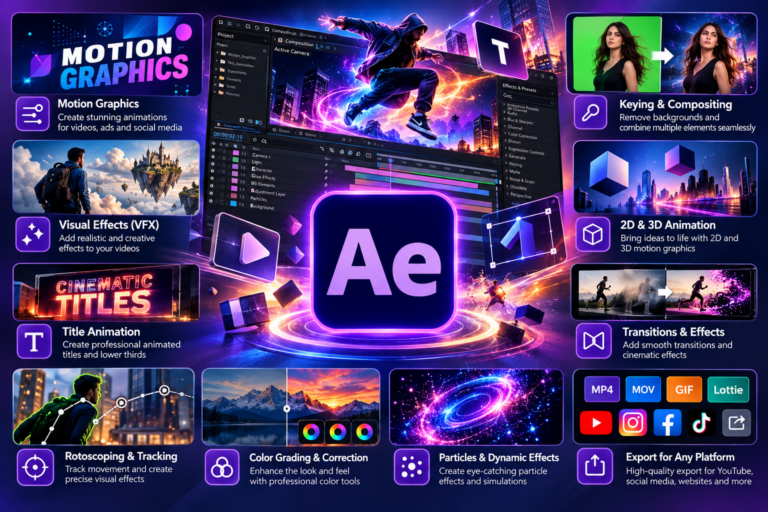
Adobe After Effects
Original price was: ₹5,000.00.₹699.00Current price is: ₹699.00.
New
Expert
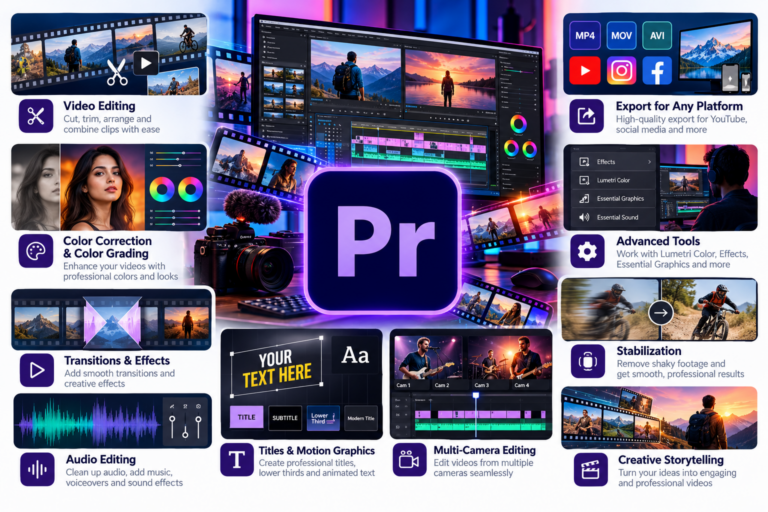
Adobe Premier Pro
Original price was: ₹5,000.00.₹699.00Current price is: ₹699.00.
New
Expert
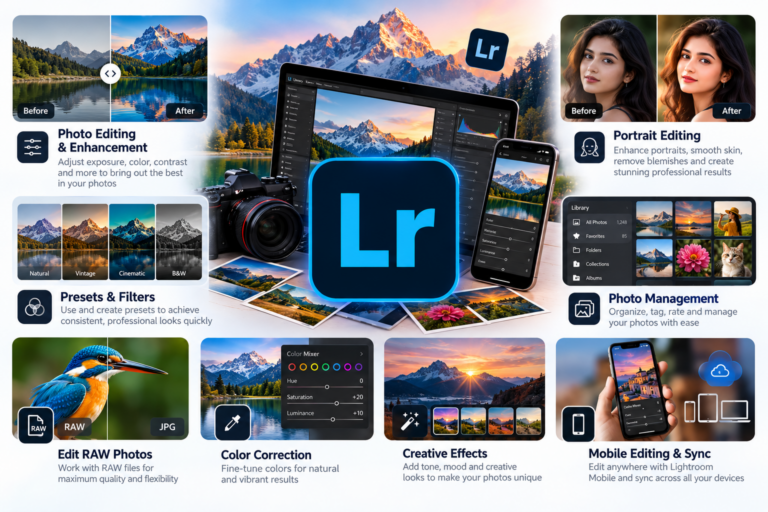
Adobe Lightroom
Original price was: ₹5,000.00.₹699.00Current price is: ₹699.00.
New
Expert
Adobe Illustrator
Original price was: ₹5,000.00.₹699.00Current price is: ₹699.00.
New
Expert
Adobe Photoshop
Original price was: ₹5,000.00.₹699.00Current price is: ₹699.00.